AI virtual staging
Anyview turns listing photos into photorealistic staged rooms and polished exteriors in seconds.
No subscription · Preview free · Credits never expire
How it works
Drag in any room photo — empty, dated, or occupied. One shot is all it takes to start.
Pick a design style and room type. Photorealistic furniture appears in seconds, with your walls and windows untouched.
“Warmer palette.” “Remove the couch.” “Add a rug.” Edit in plain English until it’s perfect.
Spend one credit to download the clean, full-resolution image. Ready for the MLS.
See it
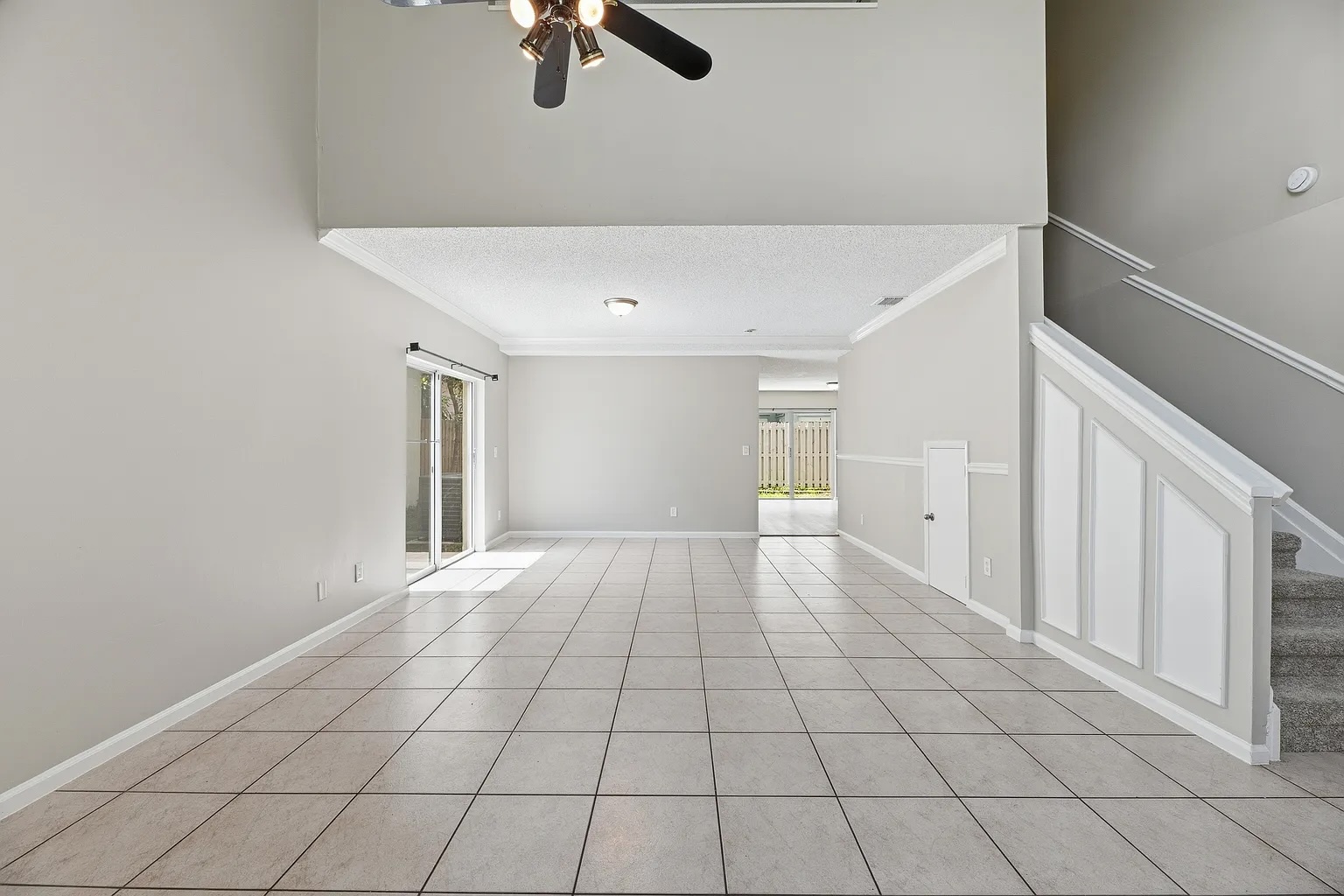
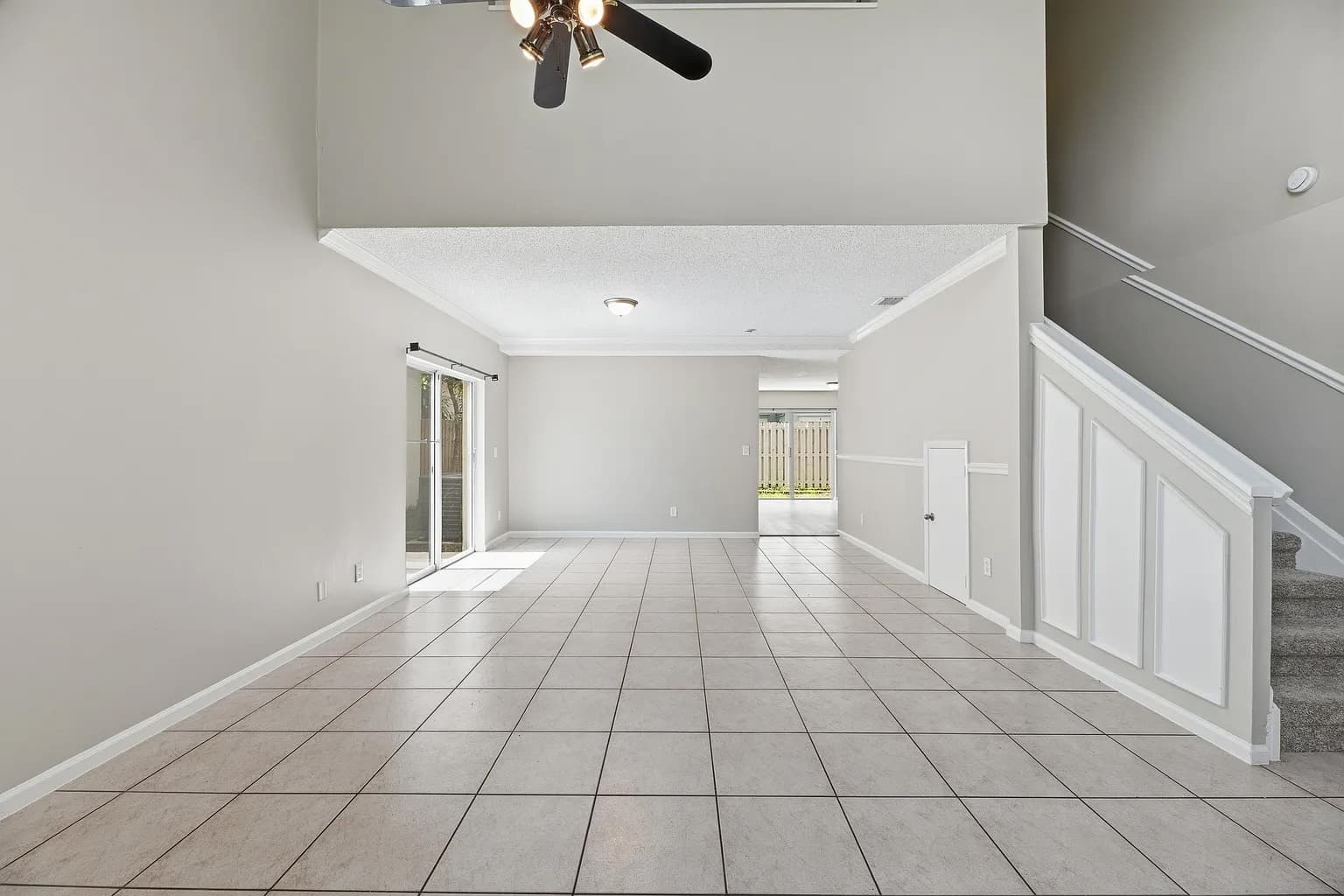 Before
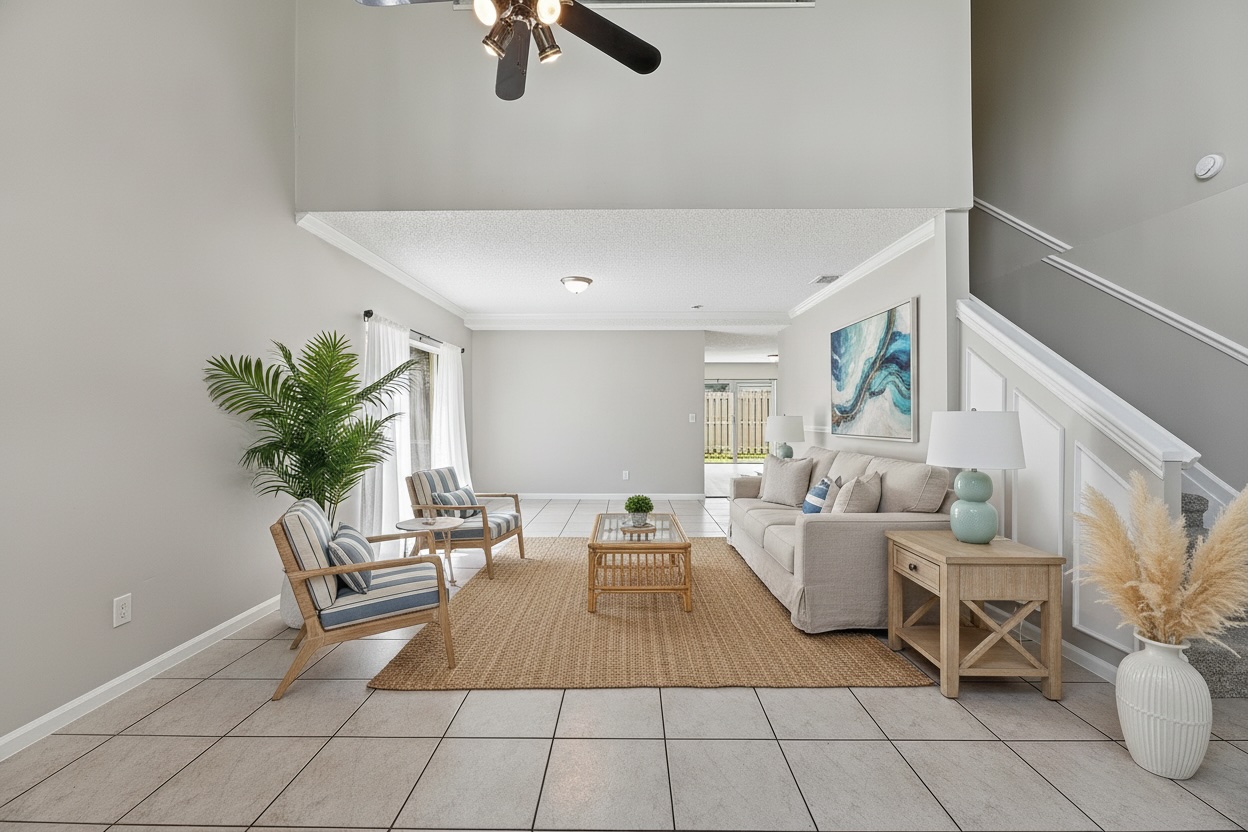
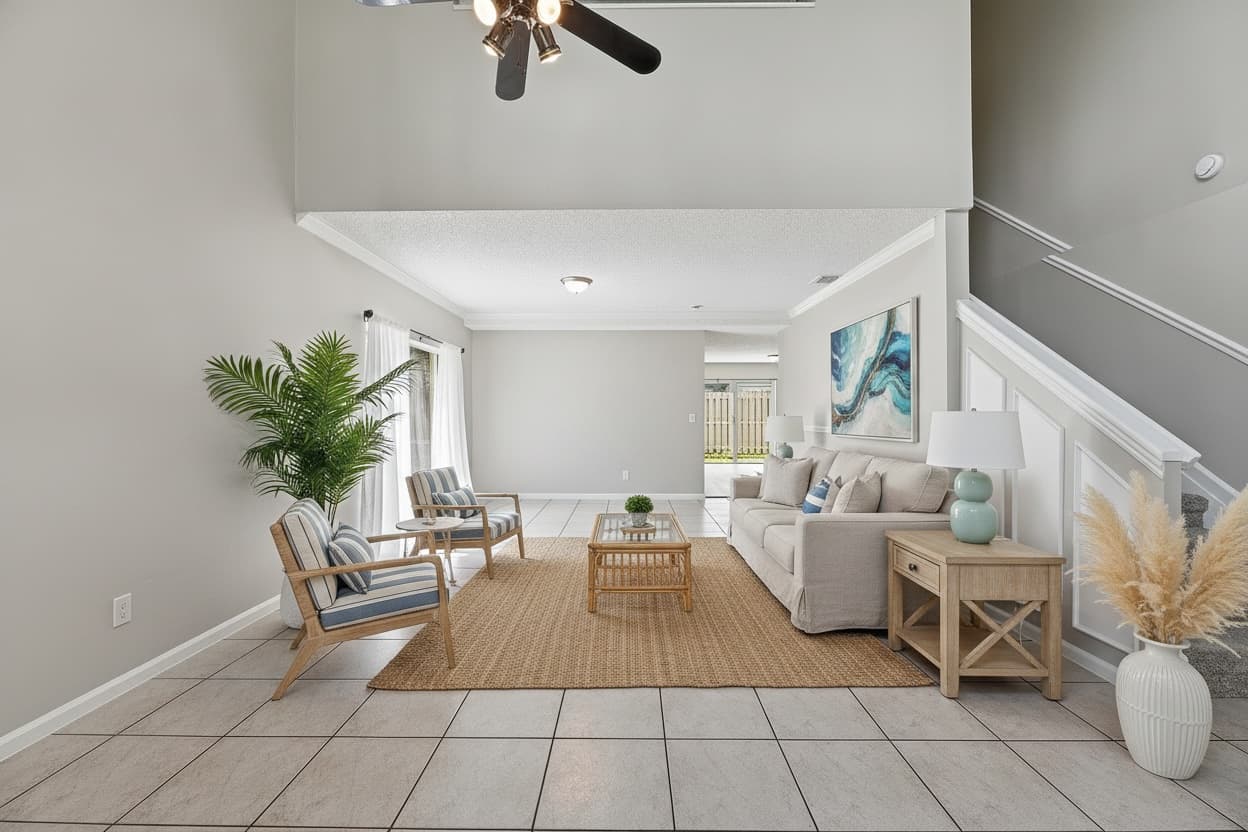 After
AfterLiving room
Contemporary
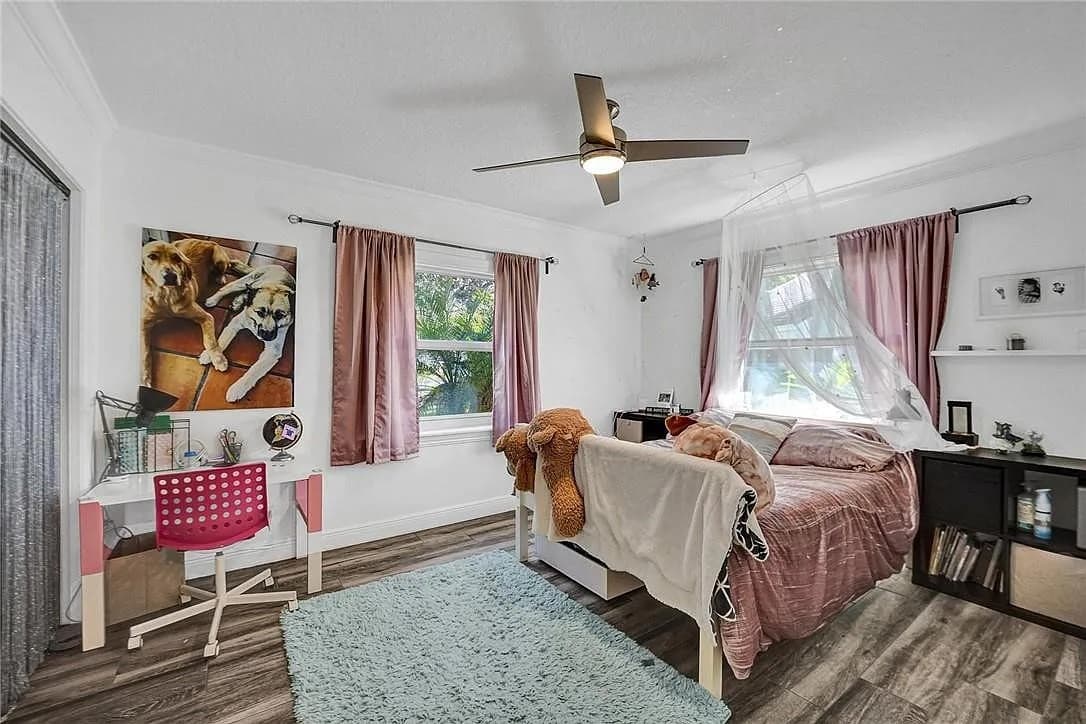 Before
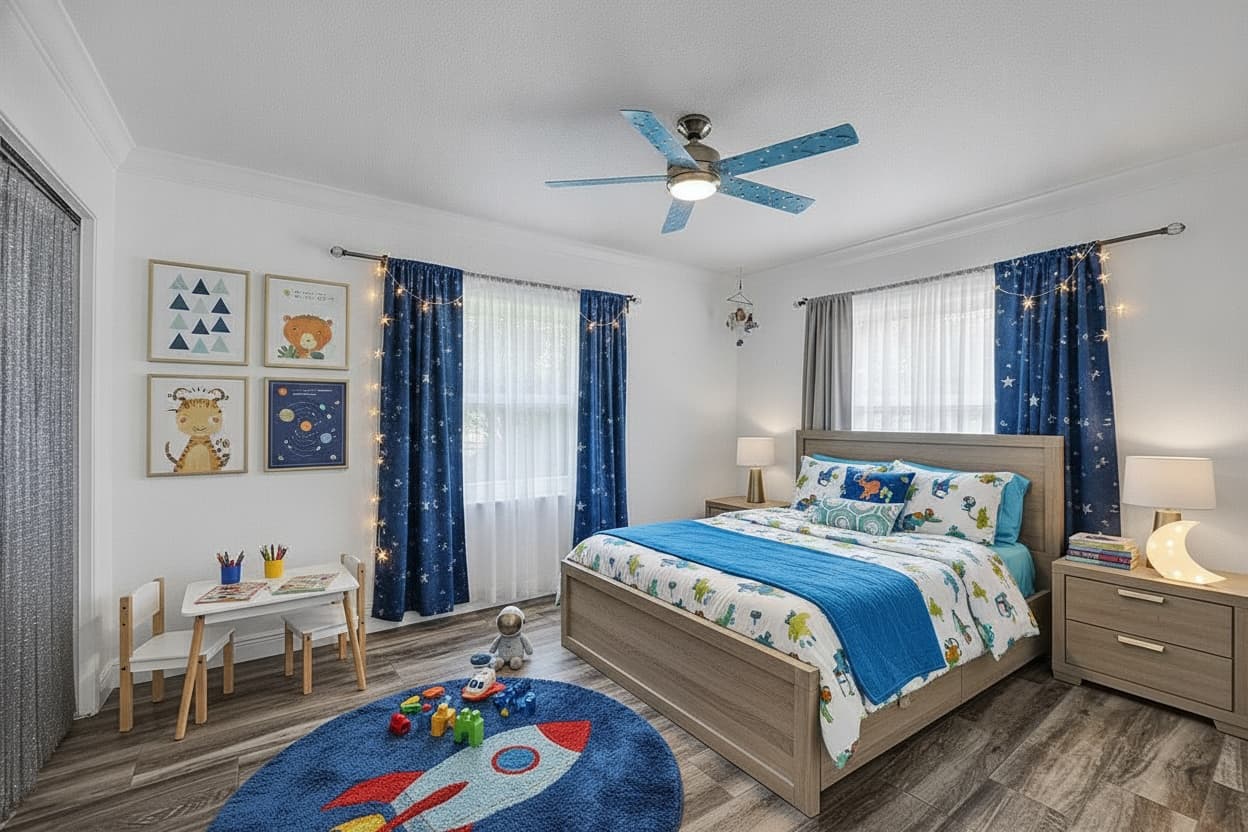 After
AfterBedroom
Scandinavian
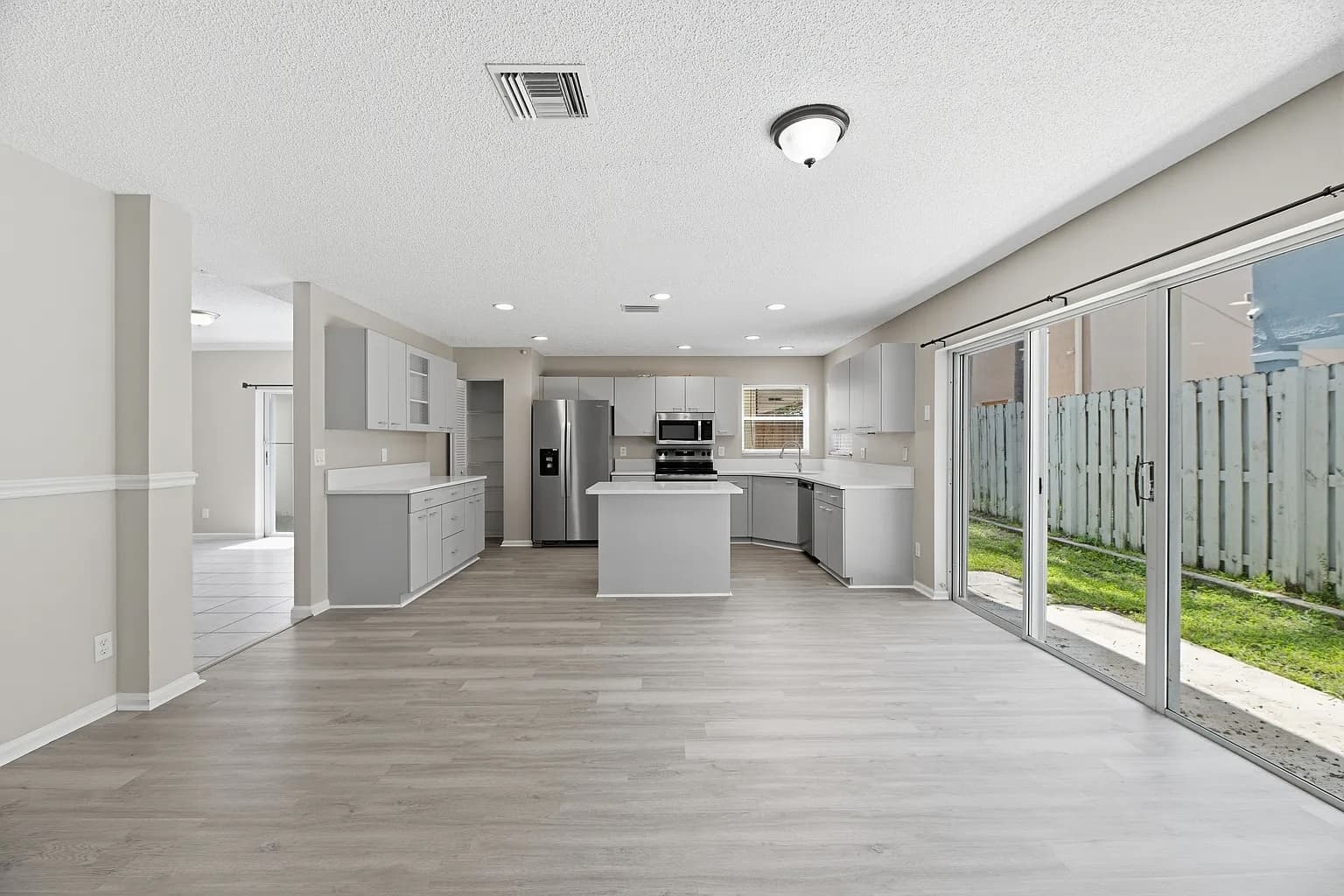 Before
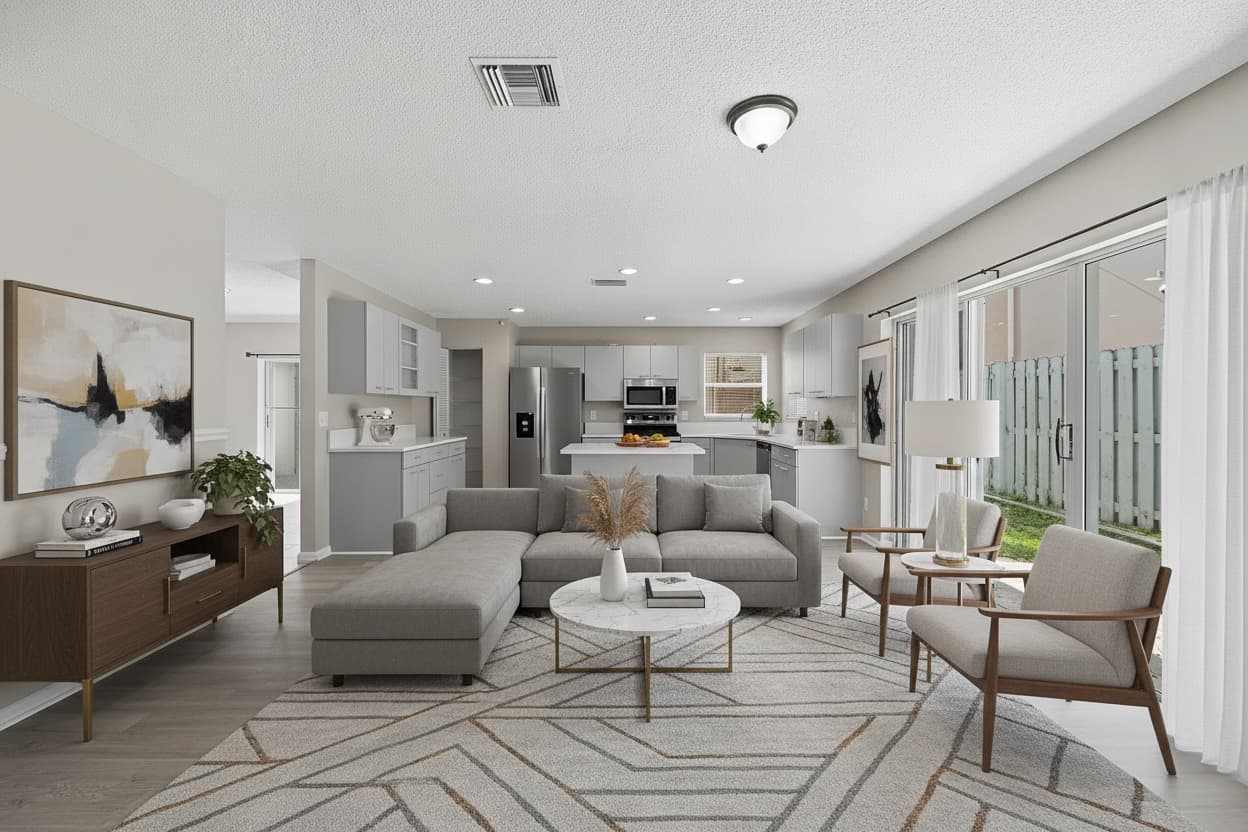 After
AfterKitchen
Modern Farmhouse
Exteriors, too
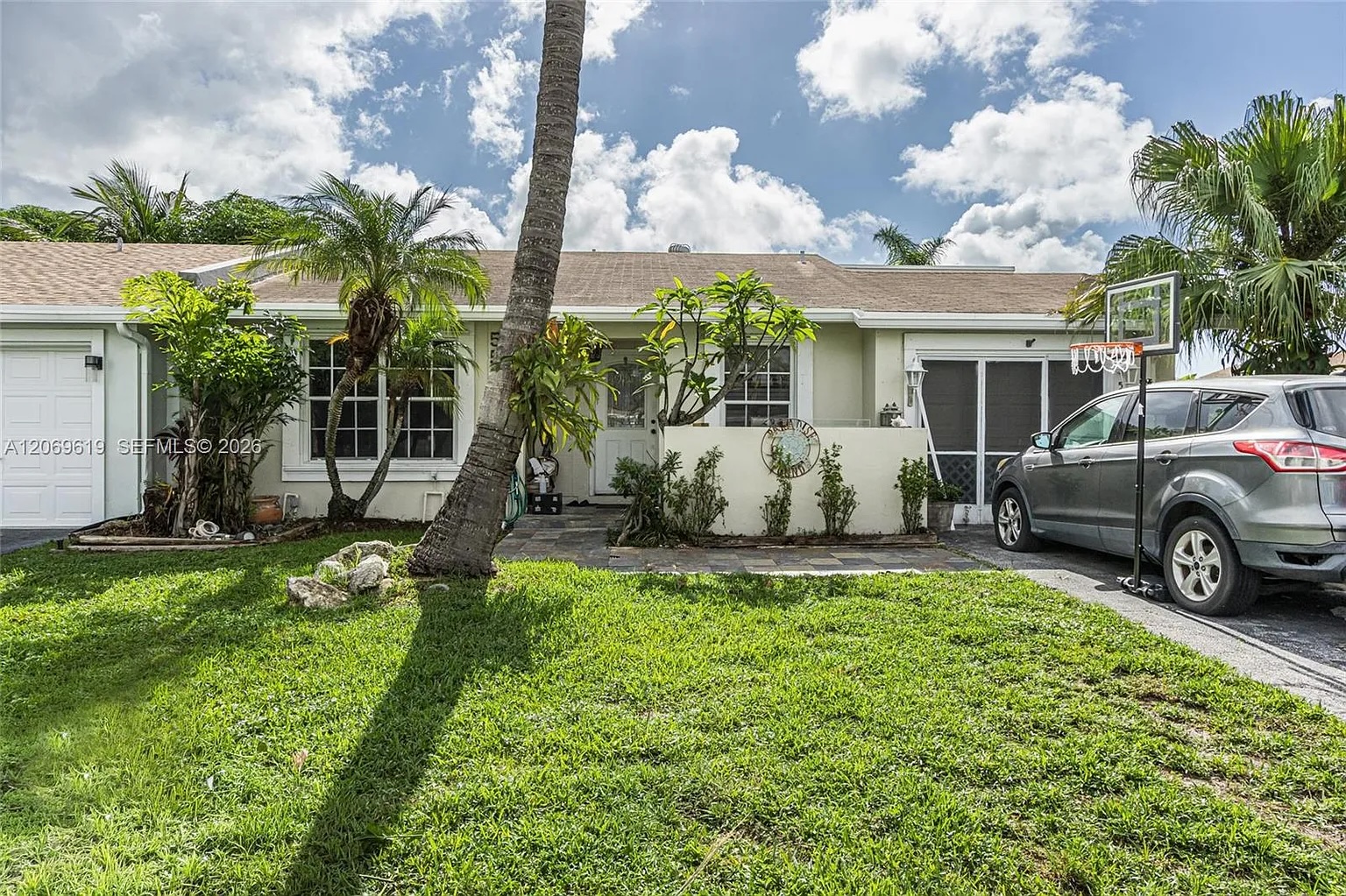
Green up the lawn, tidy the yard, and swap a flat sky for clear blue or a warm twilight — while the house itself stays exactly as photographed.
Try an exterior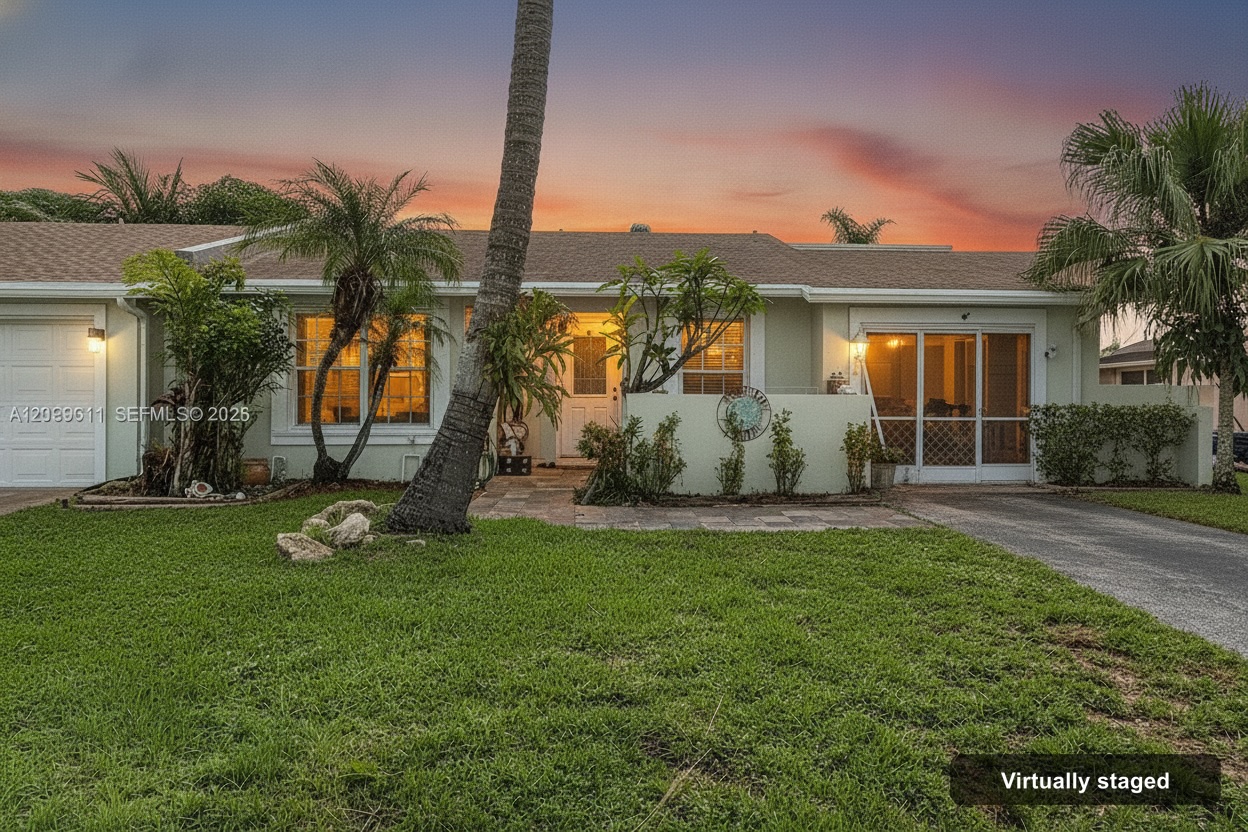
The case for staging
Under a minute
From upload to a staged room, no 24 hour turnaround.
Unlimited restaging
Try every style. You only spend a credit when you download.
Your room, unchanged
Walls, windows, and camera angle stay exactly as shot.
Design styles
Clean lines, neutral palette, current and broadly appealing.
Warm woods, tapered legs, retro-modern character.
Light woods, cozy minimalism, bright and airy.
Rustic warmth with a crisp, updated finish.
Breezy blues, natural fibers, relaxed and light.
Raw textures, leather, and metal with an urban edge.
Layered textiles, plants, and eclectic warmth.
Timeless elegance, rich woods, classic forms.
Essential forms, calm space, quiet luxury.
The blend of classic comfort and modern clarity.
Velvet, brass, and high-contrast drama.
Japanese calm meets Scandinavian craft.
Pricing
Upload, stage, and refine as much as you like for free. You only spend a credit when you download a final image.
No subscription. No monthly reset. Credits never expire.
7-day money-back guarantee on unused credits · Refund policy
FAQ
Virtual staging adds furniture and decor to a listing photo digitally instead of physically staging the home. Anyview uses AI to generate a photorealistic staged version of your photo in seconds, while keeping the room's walls, windows, doors, and camera angle exactly as shot.
Staging, restaging, and previews are free. You only spend a credit when you download a final watermark-free image. Credit packs start at $29 for 10 downloads ($2.90 per image). There is no subscription and credits never expire.
A staged room is typically ready in seconds after you upload a photo — there is no 24-hour turnaround. You can restage in different styles as many times as you like before downloading.
No. Anyview is built to preserve the architecture: walls, windows, doors, doorways, flooring, and the camera angle stay as photographed. Only furniture, rugs, art, and decor are added or changed, and light fixtures are kept unless you allow restyling.
Yes. Exterior mode improves curb appeal: a greener lawn, a tidied yard, and a sky swap — clear blue or a warm twilight look — while the house itself stays exactly as photographed.
Most MLSs and many states require disclosure of virtually staged listing photos, and the rules vary by market. Anyview can burn a small “Virtually staged” label into your downloads (on by default), but you are responsible for the rules that apply to your listing.
Built in the open
Anyview is built by a South Florida engineer working directly with local listing agents. No testimonials yet, because we would rather show you the output than quote strangers. Stage a room free and judge it yourself.
Stage a room freeStage your first room in under a minute. Preview it free.
Start staging now